How to Deposit on Emerald Empire Using GCash (Quick Guide)
How to Deposit on Emerald Empire Using GCash (Quick Guide)
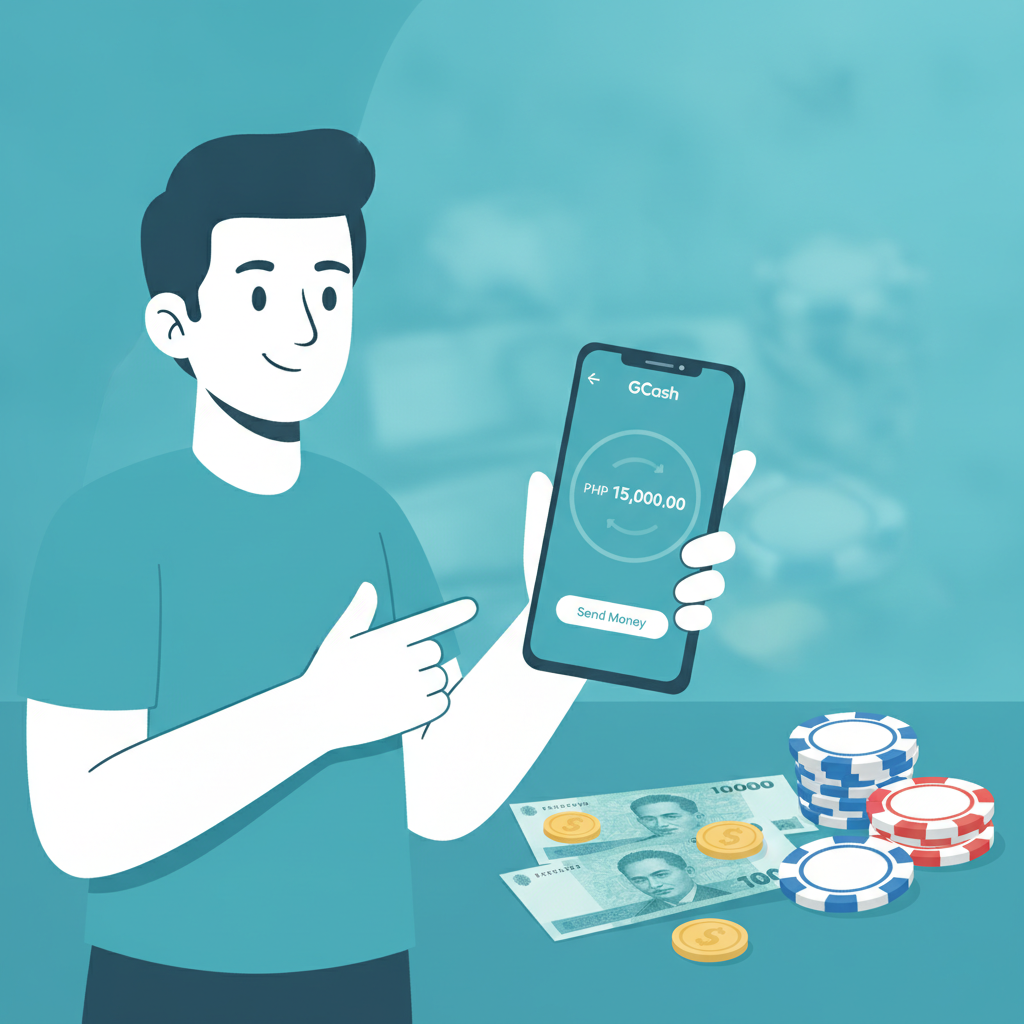
GCash is one of the fastest ways to move pesos into your Emerald Empire account. Most players in Metro Manila and the provinces already have GCash installed on their Android phones, and deposits typically appear in your casino balance within minutes. This guide walks you through every screen—from opening the cashier to confirming your top-up inside the GCash app.
Emerald Empire accepts GCash deposits starting at PHP 100, which matches the minimum deposit threshold for most Filipino players. You'll use the same GCash account you already have; there's no need to sign up for a separate wallet or link a credit card.
Navigating to the Deposit or Cashier Section in Emerald Empire
Once you've logged into your Emerald Empire account on your mobile browser or app, look for the Cashier, Deposit, or Wallet button. The exact label varies slightly depending on software updates, but it's almost always displayed in the top-right corner of the screen or in the main navigation menu.
On mobile browsers (Chrome, Safari):
- Tap the menu icon (three horizontal lines) if you don't see a Deposit button immediately.
- Select Cashier or Deposit from the drop-down list.
- You'll land on a page listing all available payment methods for players in the Philippines.
On the Emerald Empire Android APK:
- Open the app and log in with your username and password.
- Tap the Deposit or Wallet icon, usually at the top of the home screen or in the bottom navigation bar.
- The cashier screen will display icons for GCash, Maya, bank transfer, and any other enabled channels.
If you're prompted to verify your mobile number or complete a one-time security check, follow the on-screen steps. Emerald Empire may ask for an SMS code or require you to confirm your registered phone number before your first GCash deposit. This is a standard anti-fraud measure and only takes a minute.
Selecting GCash and Entering Your Deposit Amount in Pesos
On the cashier or deposit page, you'll see a row of payment-method icons. Tap the GCash logo. It's usually bright blue and easy to spot among the other e-wallet options.
After selecting GCash:
- Enter the amount you want to deposit in the box labeled "Amount" or "Deposit Amount." Emerald Empire enforces a minimum of PHP 100 per transaction; some accounts may have a higher minimum if they've been flagged for unusual activity, but PHP 100 is the standard floor.
- Check the maximum deposit limit. For most players, the single-transaction cap is PHP 50,000, though daily or monthly limits may apply depending on your account verification level.
- Review any fees. GCash-to-casino deposits on Emerald Empire are typically free of charge from the operator's side, but GCash itself may impose a small service fee (usually PHP 0 for transfers under PHP 8,000). Always check the final amount shown before you confirm.
Once you've typed in your desired peso amount, tap Next, Continue, or Proceed. You'll be redirected to a GCash confirmation screen, either within an embedded browser frame or by automatically opening your GCash mobile app.
Common amounts Filipino players deposit:
· PHP 100 – minimum, good for testing slots or a few PBA bets
· PHP 200–500 – typical range for casual weekend play
· PHP 1,000–2,000 – medium sessions with enough runway for live dealer tables
· PHP 5,000+ – heavier bettors or those chasing progressive jackpots
Choose an amount you're comfortable losing. Only deposit what fits your entertainment budget, not money you need for bills or daily expenses.
Confirming the Transaction in Your GCash App
When Emerald Empire hands off the payment request to GCash, one of two things will happen:
- Your GCash app opens automatically (if you have it installed), showing a payment request from Emerald Empire or its payment processor.
- You're taken to a mobile-web GCash login page, where you'll enter your MPIN and approve the transfer.
If the GCash app opens:
- You'll see a screen titled "Pay via GCash" or "Confirm Payment."
- The recipient name may appear as "Emerald Empire" or a third-party payment gateway (for example, "PayMongo" or another licensed aggregator).
- Double-check the amount in pesos and the reference number or order ID.
- Enter your GCash MPIN (the six-digit code you set up when you created your GCash account).
- Tap Confirm or Pay Now.
GCash will display a success screen with a transaction reference number. Take a screenshot or write down this reference number—you'll need it if you ever contact Emerald Empire support about a missing deposit.
If you're redirected to GCash in a browser:
- Log in with your registered mobile number and MPIN.
- Review the payment details on the confirmation screen.
- Tap Proceed or Confirm Payment.
- You'll see a success message and a transaction ID.
After confirming, GCash will return you to Emerald Empire—either by automatically redirecting your browser or prompting you to tap a "Return to Merchant" button. If the redirect doesn't happen within 15 seconds, manually close the GCash screen and go back to your Emerald Empire browser tab or app.
Checking Your Emerald Empire Balance After Deposit
Most GCash deposits on Emerald Empire are credited instantly or within one to three minutes. As soon as GCash confirms the payment, Emerald Empire's system updates your casino wallet.
How to verify your balance:
- Return to the Emerald Empire home screen or lobby.
- Look at the balance display in the top-right corner (on desktop or mobile browser) or at the top of the app interface.
- Your new balance should reflect the deposit amount in pesos.
If the funds don't appear immediately:
· Wait two to three minutes, then refresh the page or close and reopen the app.
· Check your GCash transaction history inside the GCash app. If GCash shows "Transaction Successful" but Emerald Empire still shows the old balance, the delay is on the casino's processing side.
· Clear your browser cache (Safari or Chrome) or force-stop the Emerald Empire app, then log in again.
· Contact Emerald Empire support via live chat or the in-app help button. Provide your GCash reference number, the exact peso amount, and the date and time of the transaction.
Delays beyond five minutes are rare. If your deposit is genuinely stuck, Emerald Empire's payment team can trace it using the GCash reference ID.
What to do once your balance is confirmed:
· You can immediately start playing slots, live dealer games, or place sports bets on PBA, NBA, or volleyball.
· Your deposited pesos are held in your main wallet. Some games (especially slots from certain providers) may require you to transfer funds into a game-specific wallet; if so, you'll see a pop-up or transfer screen the first time you launch that game.
· If you've claimed a deposit bonus, check the Bonus or Promotions tab to see pending wagering requirements. (For detailed bonus walkthroughs, refer to sibling sites that specialize in Emerald Empire promo analysis.)
Responsible Gambling Reminder (21+ Only)
Emerald Empire is restricted to players 21 years of age and older. Depositing with GCash is fast and convenient, but speed also means it's easy to top up impulsively during a losing streak.
Before you deposit, ask yourself:
· Can I afford to lose this amount without affecting my rent, food, or family budget?
· Am I depositing to chase losses from an earlier session?
· Have I set a daily or weekly deposit limit in my Emerald Empire account settings?
If gambling is causing stress, anxiety, or financial problems, reach out to a responsible-gambling helpline or use Emerald Empire's self-exclusion and deposit-limit tools. Playing slots, live dealer tables, or sports betting should be entertainment, not a way to solve money troubles.
Only deposit what you're prepared to lose, and never borrow money to gamble. GCash makes it simple to move pesos into your account, but it's your responsibility to stay within your limits.
Summary
Depositing on Emerald Empire with GCash takes less than two minutes once you know where to tap. Open the cashier, select GCash, enter your peso amount (minimum PHP 100), confirm the payment in your GCash app with your MPIN, and watch your casino balance update in real time. Most transactions are instant, and fees are typically zero from Emerald Empire's side.
Keep your GCash reference number handy in case you need to troubleshoot a delayed deposit, and always verify your balance before you start playing. Remember that Emerald Empire is for players 21 and over, and only deposit money you can afford to lose.
For help with withdrawals, InstaPay bank transfers, or fixing app login errors, check the other guides on this site. If you need details on bonus terms or promo codes, visit the sibling sites that specialize in Emerald Empire offers.